I’d hire the AI user. On one condition.
I got an interesting comment on my Copilot course announcement. And I think the person who left it has a point.
He’d been following me for a while, and said my videos inspired him to look beyond Excel, into Power Query and eventually Power BI.
But now he was worried that creators like me were encouraging people to stay underskilled.
His point was simple: If AI can do the work for you, why bother learning how to do it yourself?
And I get it. Because I used to worry about the same thing.
When AI started showing up in Excel, my concern was that people would skip the fundamentals and never really understand what was happening underneath. And as someone who cares deeply about understanding why and how things work, that worried me.
What changed my mind was using AI for things I'm not an expert in.
For example, I’ve used AI to build a feature for our website. It worked. But the page seemed to load more slowly afterward. Was it something in the code? Was it the way the feature was built? Was it the way it interacted with other features? I honestly couldn't tell you.
If I were hiring a web developer, I'd want someone who actually understands web development. Not just someone who can get AI to produce working code. Because that would include me. And I need someone better than me.
And if two people had the same depth of knowledge, but one used AI and the other refused to? I'd pick the one using AI. They'd simply be faster.
So if I had to rank it, it would look like this:
- Depth and AI
- Depth
- AI
AI makes you faster. Depth helps you know what you're doing. You want both.
If you're starting with AI, that's fine. It's just not where you want to stay.
Now think about the person your manager trusts with the month-end numbers.
Copilot can help you put together a report. But the person with depth knows what to ask for, understands what the numbers mean, and knows how to make the process reliable month after month.
That's the person you want to be.
You see, depth is the hard part. It takes time and practice, and not everyone will put in that effort. Which means that if you have both, you stand out.
And if you already know Excel well, you've got a huge advantage. You don't need to relearn Excel. You already have the knowledge to ask better questions and get more out of Copilot.
If you're a beginner, AI is actually a nice way in. It shows you what's possible, and gives you a reason to explore things you might not have thought to learn otherwise.
Not every workplace is there yet. Some still frown on AI, others push it on everyone. But I think we're heading in one direction, and the people who will have the biggest advantage are the ones who know their tools and know how to use AI with them.
Anyway, that's the thinking behind the Copilot course I'm building. I want to help you get more out of Excel with Copilot, whether you're just starting out or have been using Excel for years.
If that sounds interesting, you can join the interest list here.
So to the person who left that comment: I agree with half of it.
Learning still matters. I just don't think it's a choice between the two anymore.
Thanks for reading this one. It's been on my mind for a few days, and I tend to go around in loops with things until I write them down. So this helped 🙂
What if ChatGPT had access to premium marketing data and could analyze it for you?
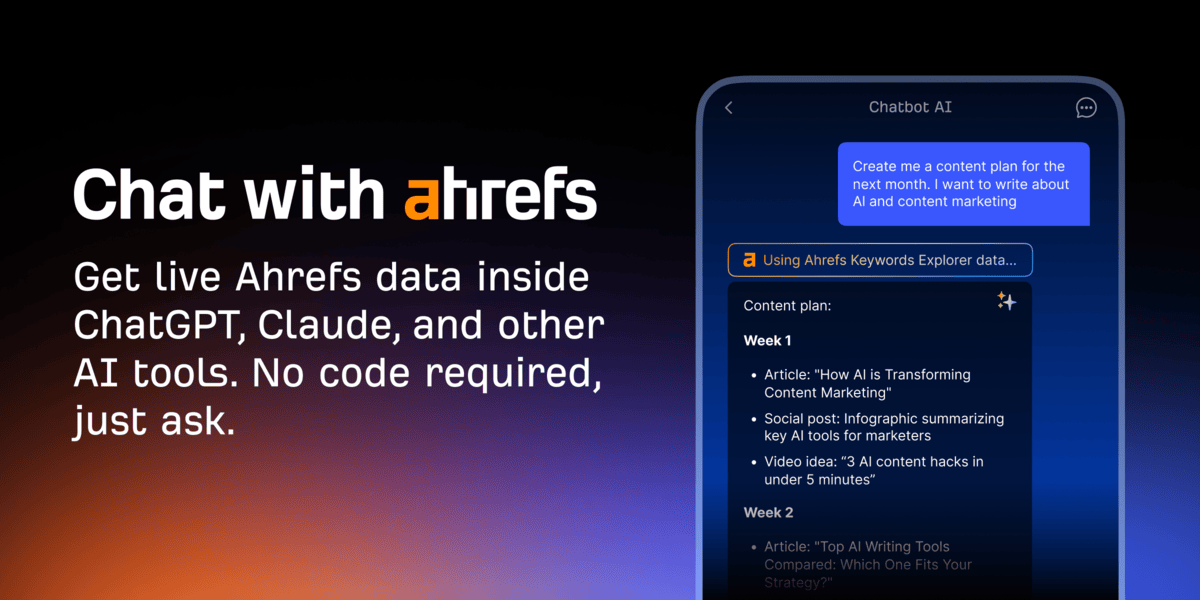
Which websites get the most traffic? What are people searching for? Where are your competitors winning?
Ahrefs has the data to answer these questions. It tracks search trends, website traffic estimates, backlinks, and more across the web.
And with Ahrefs MCP, you can connect that data directly to ChatGPT, Claude, or other compatible AI assistants.
Just ask a question, and let AI pull the relevant data, compare results, and uncover insights.
Real marketing data. AI-powered analysis.
Many thanks to Ahrefs for sponsoring this newsletter.
🤓 Geeky News
📊 Copilot turns your Excel data into a live report
Copilot in Excel has a new trick called the interactive canvas.
You give it one prompt, and it turns your workbook data into a polished, interactive dashboard.

And I mean - interactive. Not just slicers and dropdowns (although that too). Think cross-filtering one chart by another, just like in Power BI. It wasn't possible in Excel before, not without some serious coding.
The interactive canvas is built with html. So Copilot is doing the coding for you.
The downside: it's not easily auditable. At least not yet. I'm hoping that comes soon.
It's currently available to Insiders only.
Other Copilot features are moving from Insiders to general availability this month:
- Clean data that can spot and fix inconsistencies in your data (like USA, US, United States in the same column)
- Skill builder that lets you teach Copilot repeatable tasks
- Get data that can work with Power Query (Excel for the Web only)
💻 Windows 11 fixes a few annoying things
This month’s Windows 11 update isn’t a big one. But it fixes a few things that have been bugging people for a while.
File previews are back. Since a security change last year, the preview pane in File Explorer has blocked most files you downloaded, even PDFs from your own OneDrive. You had to unblock each file first. That’s now fixed, so PDFs and most other documents preview again. (HTML files are still blocked, but there’s a new “Preview anyway” button.)
You can remap the Copilot key. On many new laptops, the Copilot key took the place of the Right Ctrl key. Now you can turn it back. Go to Settings > Bluetooth & devices > Keyboard and set it to Right Ctrl or the Context Menu key.
There's also a new setting under Accessibility > Visual effects that opens every app maximized instead of at its last window size.
And there’s a long list of Bluetooth fixes that should improve calling and audio streaming experience. Plus, some new emojis and a new Tips widget.
🤔 Did You Know?
Now that previews work again, press Alt + P in File Explorer to show or hide the preview pane. You can click through files without opening any of them.
If you’re in File Explorer a lot, these 6 shortcuts are the ones I use most.
👏 Closing the gap
Jens leads a BI Controlling team. After he finished Python in Excel for the Real World, he sent us this:

Jens Markgraf
Teamlead BI Controlling
I have one data scientist in my team, who's daily work is Python. Now I can follow along his code a bit better and we will try to close the gap between Excel users and Python programmers.
As I am giving Excel courses internally, I will add Python to my repertoire in order to close the gap between Data Science and "normal" Controllers.
Python opens up a whole new world of visualizations, especially for data exploration. It is now very easy to create a correlation analysis or an anomaly detection.
Congrats, Jens. And lucky team.
You don’t have to write Python every day to get value from it. Being able to read what your data scientist built is already a big step.
Leila
P.S. If you're curious about the Copilot course I'm building, you can join the interest list here. I'll let you know when it's ready.
